A practical website maintenance checklist
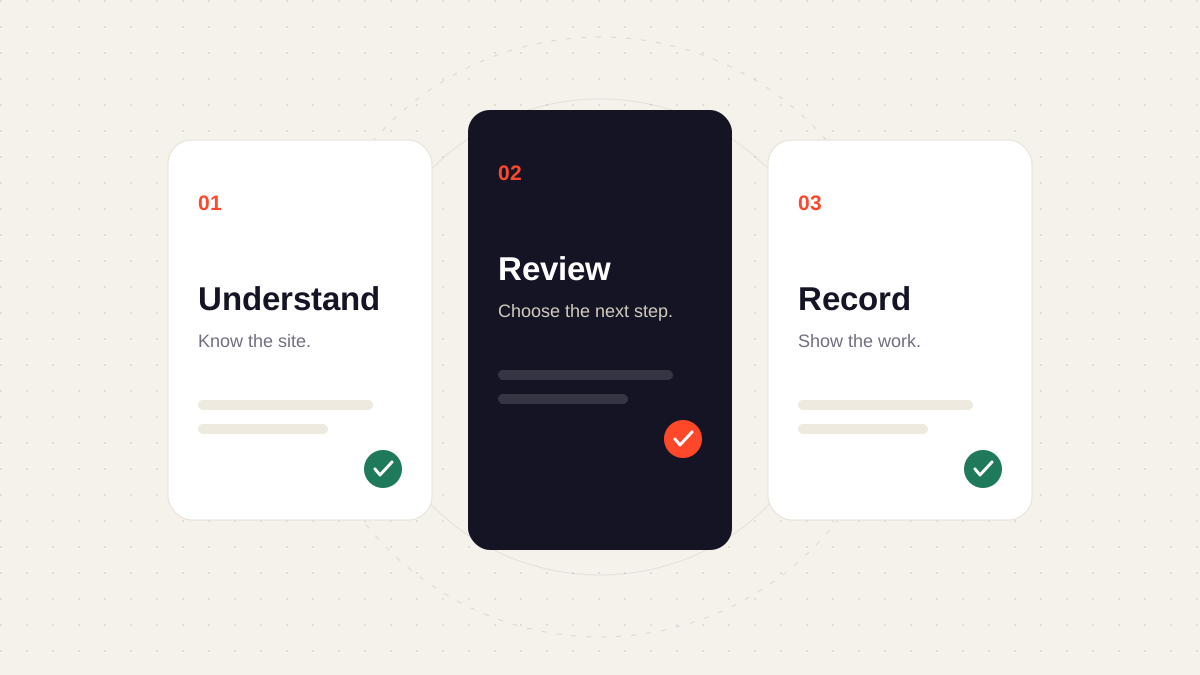
Good maintenance starts with context. Know what a site does, agree what needs attention, review each change, and leave a record the next person can use.
A maintenance checklist should help you make decisions, rather than turn every website into the same set of tick boxes. A brochure site and a busy booking platform have different dependencies, different owners, and different consequences when something changes.
Use the routine below as a starting point. Adapt the frequency and depth to the site, its traffic, its critical journeys, and the care agreement.
1. Start with a useful site record
Before opening an update screen, collect the context that makes the next decision easier:
- Purpose: what the website needs to do for its visitors and its owner.
- Stack: the CMS or framework, hosting, repository, and important integrations.
- Ownership: who can approve a change and who can help when something fails.
- Recovery: where backups live and how a previous version can be restored.
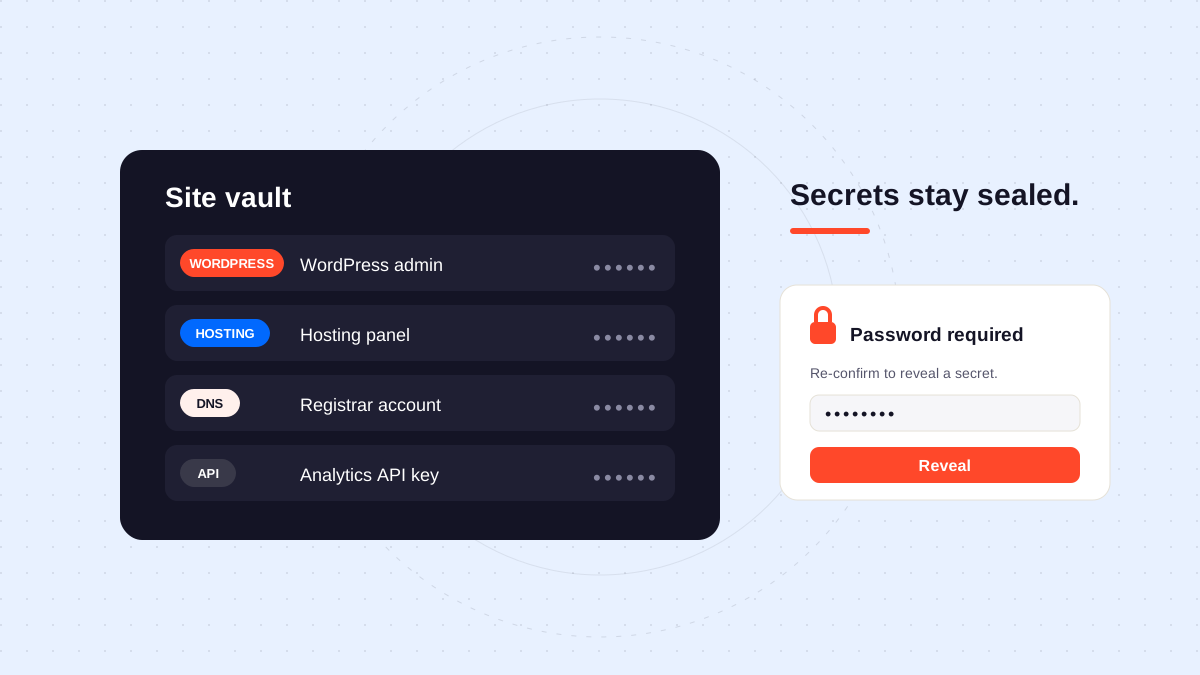
Keep secrets in a dedicated credential manager. Your maintenance record can point to the correct entry without repeating the password.
The most useful maintenance note tells the next person what matters, what changed, and what still needs a decision.
2. Choose checks that reflect the website
A working homepage is useful evidence, but it does not tell you whether a form reaches the right inbox or whether a booking flow still completes.
| Area | What to check | Evidence to keep |
|---|---|---|
| Availability | Important public pages respond | URL, time, and observed result |
| Critical journeys | Contact, booking, search, or checkout | Test steps and outcome |
| Recovery | A backup or previous deployment can be restored | Recovery location and last verification |
| Dependencies | Changes have an owner and a reason | Version, decision, and follow-up |
| Content | Key information and links remain useful | Page and correction needed |
Set a sensible cadence
Separate your routine into checks that need different kinds of attention:
- Review incoming signals and unresolved incidents.
- Schedule planned maintenance around the website’s activity.
- Check the recovery path before making a change.
- Run the relevant visitor journeys afterward.
- Revisit ownership and scope when the website changes.
A cadence is an agreement with the client and the team. Avoid promising a response time your workflow cannot support.
3. Review changes before applying them
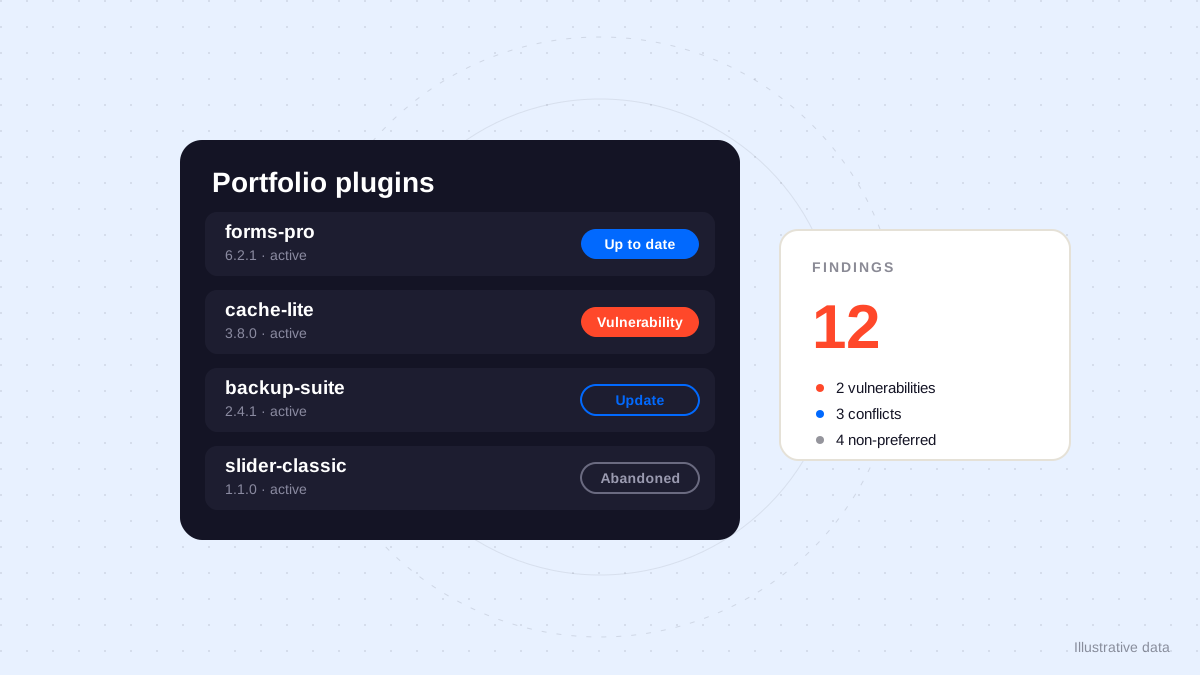
Treat an available update as a prompt to investigate. Read the available change notes, consider dependencies, and identify which parts of the website deserve a regression check.
Use a short, explicit status in your record, such as ready for review, waiting for approval, or verified.
maintenance:
  site: example.com
  action: review dependency updates
  approval: required
  recovery: previous deployment available
  checks:
    - contact form
    - main navigation
    - mobile layout
This is an example record format, not an Orbit configuration file. The aim is to make a decision visible wherever your team keeps its operational notes.
Keep a small completion checklist
- Record the intended change and its owner.
- Identify the recovery path.
- Obtain any required approval.
- Verify the important visitor journeys.
- Write down the result and remaining follow-up.
A checked box is evidence that someone recorded a step. It is not a substitute for the result of the check itself.
4. Show the work clearly
A useful client note separates completed work, observations, and the next decision. Replace everything is fine with a description of what was actually checked and the limits of that check.
For a short reporting structure, see a client report that shows the work. For the product’s approach, explore how Orbit works.
Adapt the checklist to your team
What if the site has no CMS?
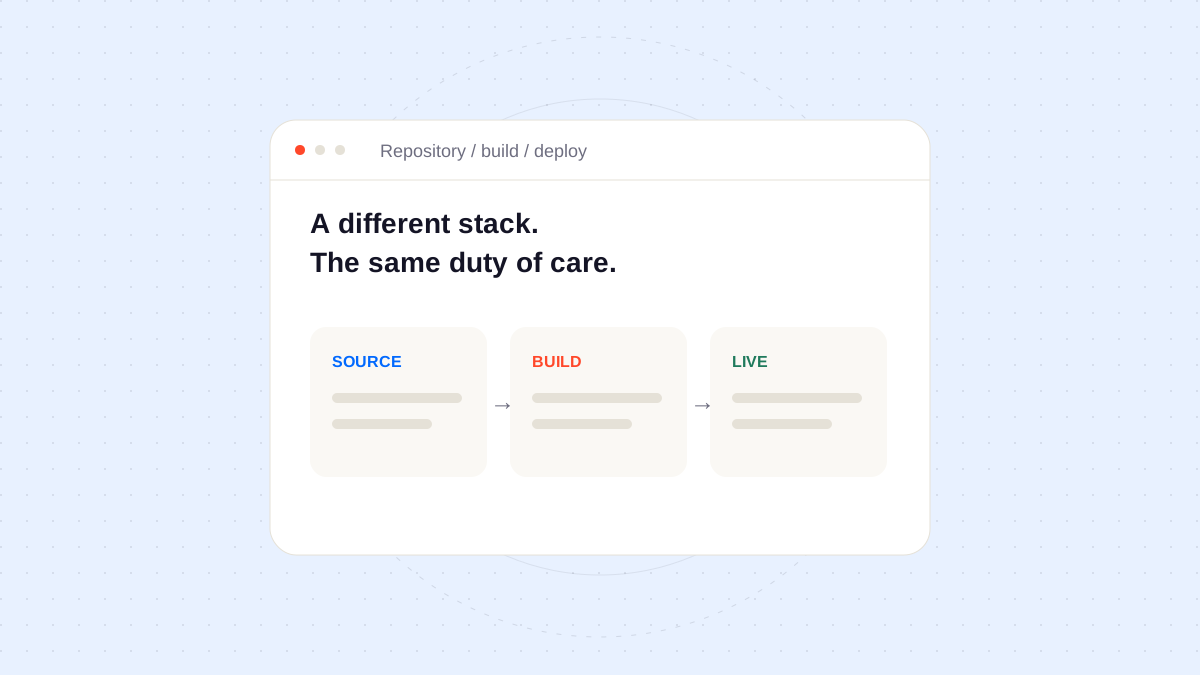
The same routine applies. Replace plugin updates with repository, dependency, build, deployment, and integration checks. Keep the visitor journeys and recovery record.
Keep the record lightweight
One clear note is usually more useful than several conflicting documents.
Add detail when it changes a decision
Capture the reason behind a deferral, the limits of a test, or the person who needs to approve the next step.
Make the next action easy to find
Give every unresolved item an owner and a follow-up date where appropriate. The checklist should leave less uncertainty than it found.1
Footnotes
-
A maintenance record describes the checks performed at a point in time. Revisit it when the site, its dependencies, or its responsibilities change. ↩