A client report that shows the work
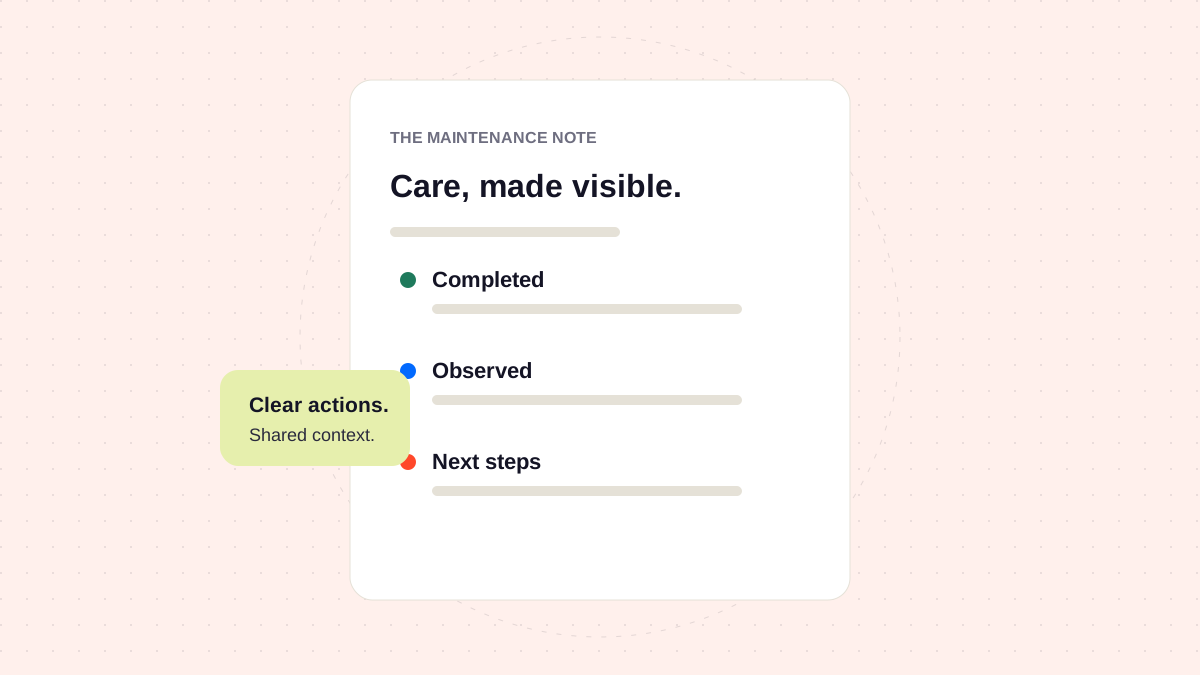
Start with what changed, explain what you observed, and finish with the next decision. Give clients enough context to understand the care their site received.
Maintenance work is easy to overlook when the website keeps working. A report makes that work visible, but its value comes from clarity rather than length.
Use three distinct sections
Completed work
Describe the action and its outcome. Include the checks that support the result. “Reviewed and updated the contact form extension; tested delivery to the agreed inbox” is more useful than “plugins updated.”
Observations
Separate something you noticed from something you fixed. If a page was slow during a check, record the page, timing, and conditions. Avoid turning one observation into a claim about the entire website.
Next decisions
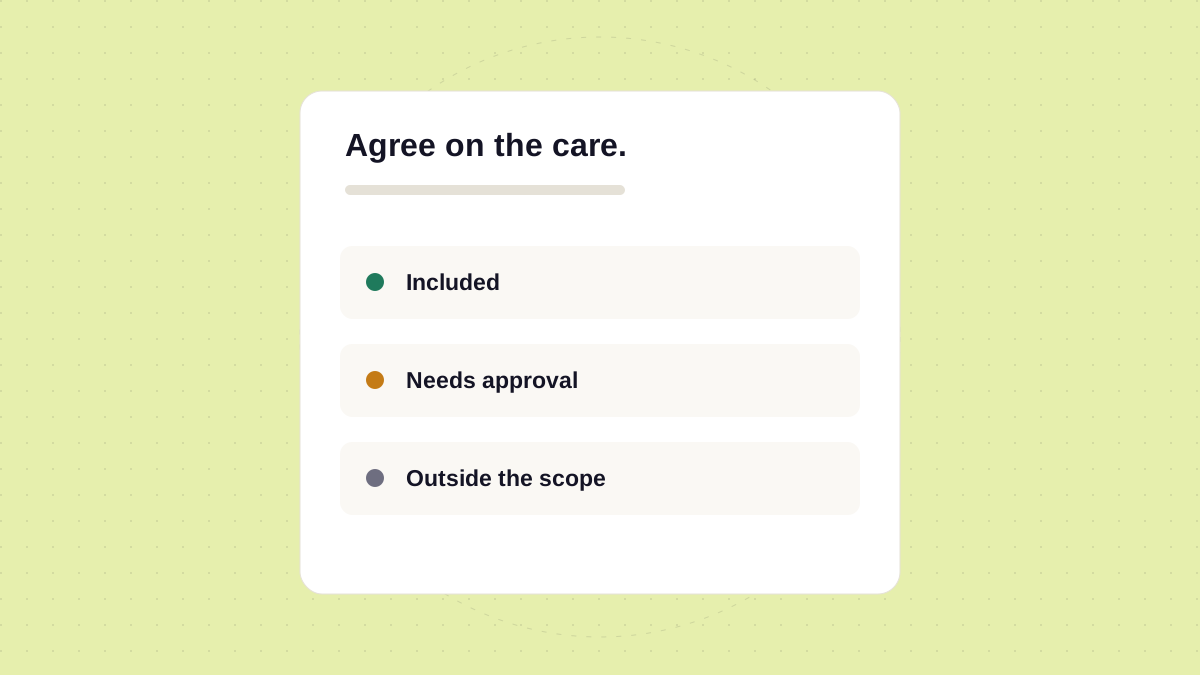
Make the follow-up clear. State what needs attention, who should approve it, and whether it sits within the current care agreement.
| Section | The client’s question |
|---|---|
| Completed | What did the team do? |
| Observed | What should I understand? |
| Next | What decision do you need from me? |
Link to useful evidence
Keep the summary readable, then link to the relevant operational record when more detail is useful. The report and the internal record serve different audiences, but they should describe the same work.
- Use specific dates and page names.
- Explain technical terms when they affect a decision.
- Call out unresolved items explicitly.
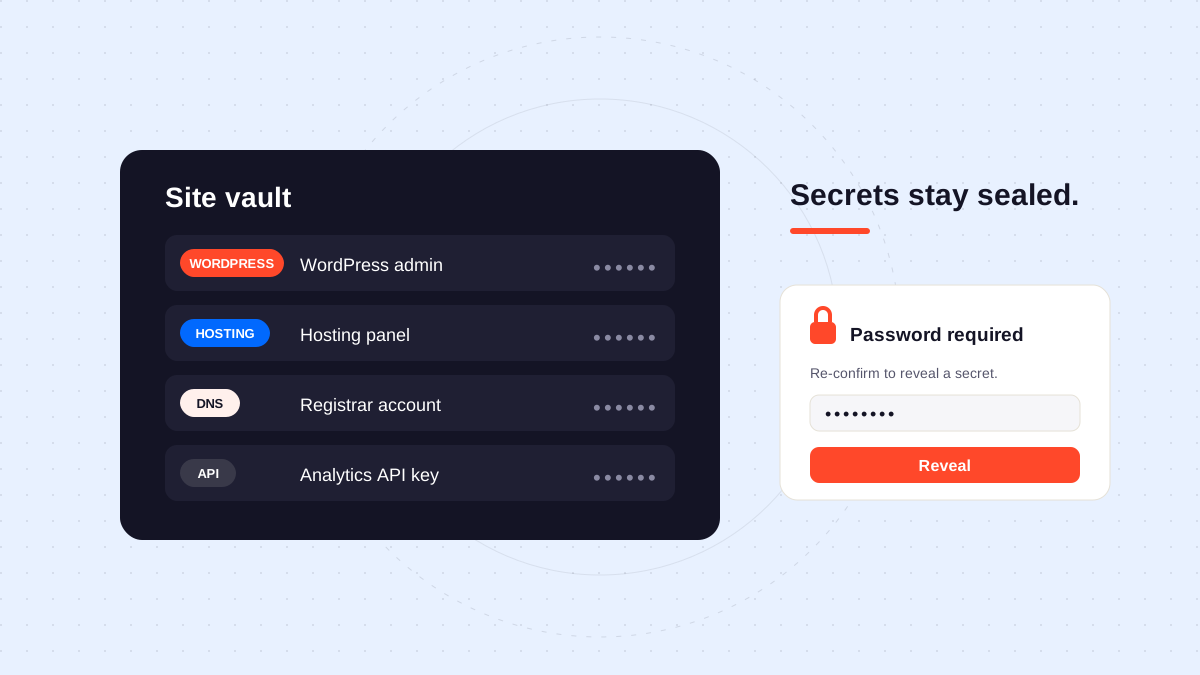
- Keep credentials and private access details out of the report.
Explore the client view approach and reporting features for more about making website care easier to understand.