What should website monitoring tell you?
A useful signal tells you what was observed, where to investigate, and who should respond. Monitoring needs a follow-up workflow to become useful maintenance.
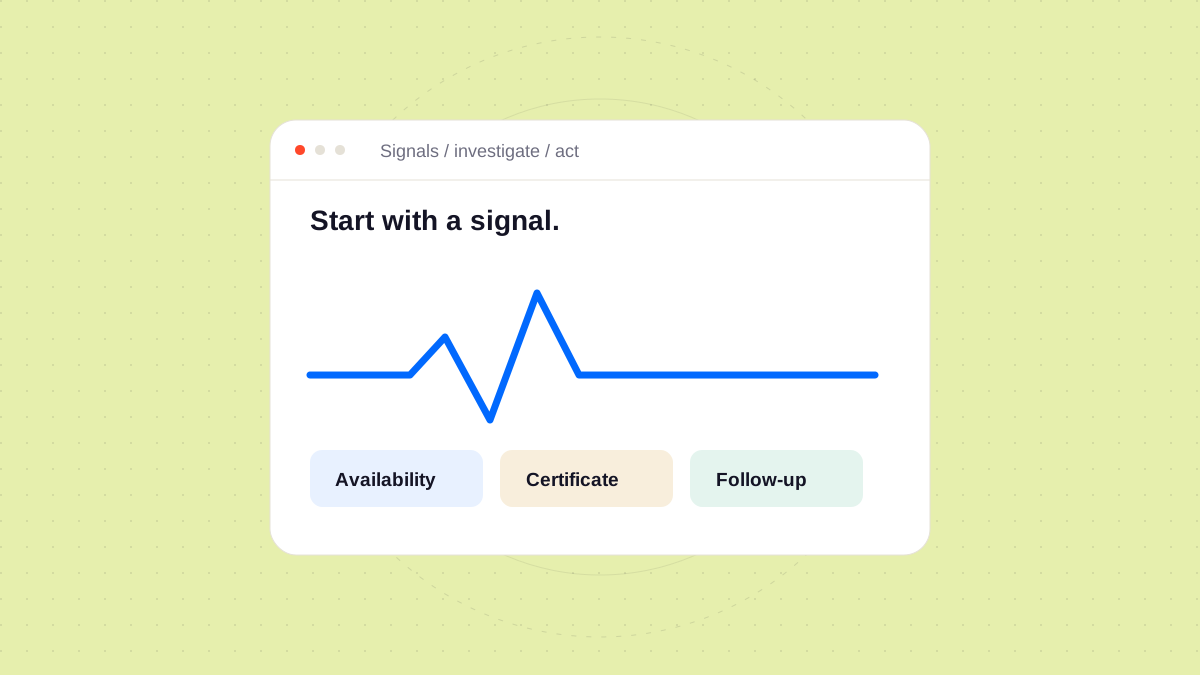
A monitoring alert is the beginning of an investigation. To make it useful, your team needs to understand what was checked and what the result can tell you.
Match the signal to the question
An availability check can tell you whether a URL responded from a particular location at a particular time. It does not automatically tell you that a visitor can complete a booking or that a form reaches the right person.
| Question | Evidence to consider |
|---|---|
| Did the page respond? | Response status, timing, and check location |
| Is a certificate approaching expiry? | Certificate details and renewal ownership |
| Does a critical journey work? | The steps and result of a representative test |
| Was the issue resolved? | Follow-up checks and a written outcome |
Give each alert an owner
Decide who receives a signal, who investigates it, and when it should be escalated. Keep that agreement connected to the website record so another team member can find it.
- Record the first observed symptom.
- Check whether the signal can be reproduced.
- Note what you changed during the investigation.
- Confirm the observed result after the intervention.
Close the loop
An alert that disappears is useful information, but it may still deserve a note. A short incident record helps distinguish a recurring issue from an isolated observation.
Explore Orbit’s monitoring approach to see how signals can sit alongside the context and next steps for a client website.