The flow
Connect the site. Understand it. Act. Record the work.
Four parts. The dashboard is where the agency lives. The WordPress plugin is a thin connector. GitHub is the connector for static sites. Hosting and Cloudflare are adapters underneath.
Add the site
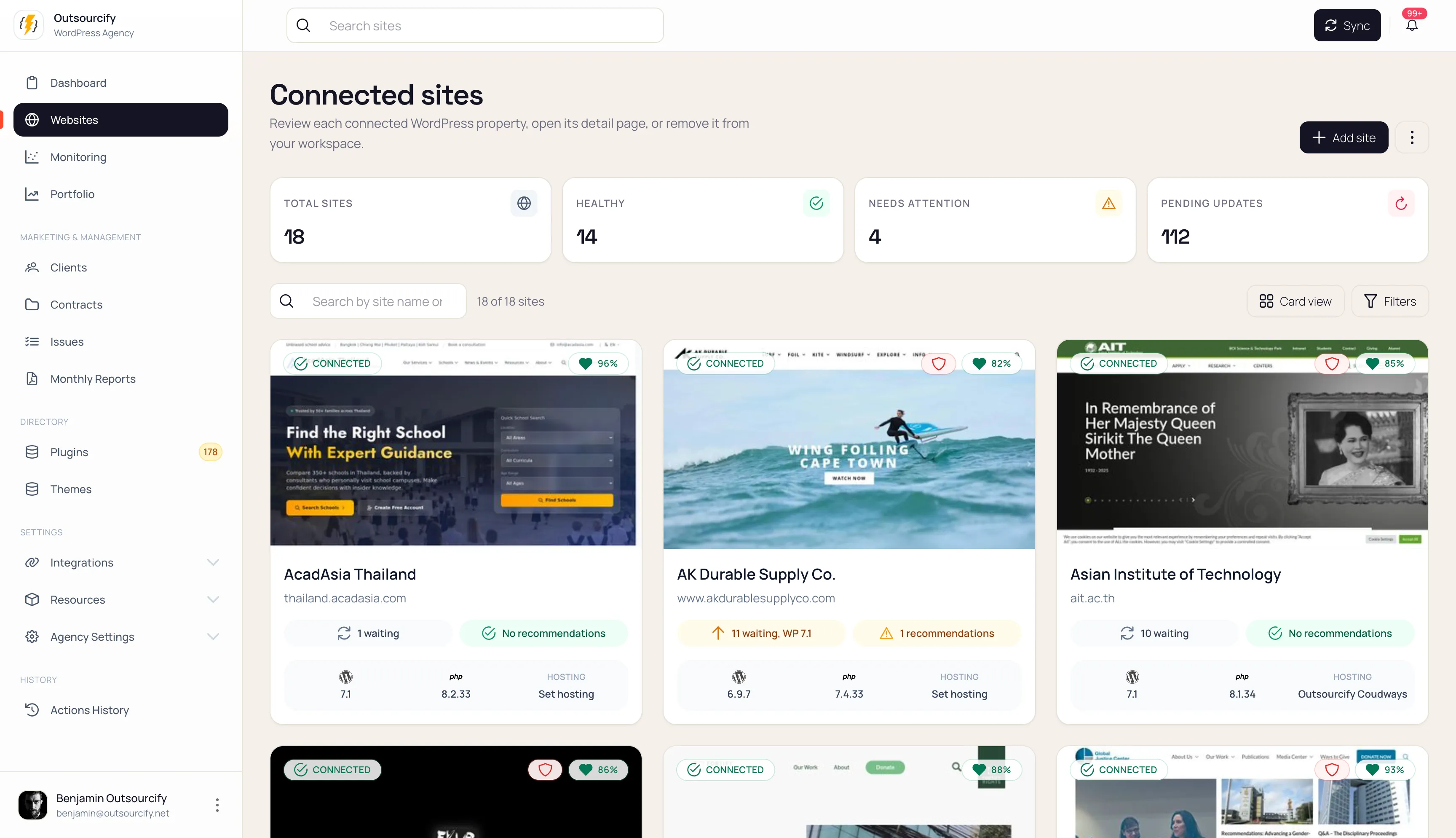
Create the record: name, URL, client, type, tags, hosting environment.
If it is WordPress: install the Orbit connector, paste the connection token. Tokens are hashed and encrypted, and you can rotate or revoke them. The plugin is useless without Orbit — all intelligence stays on the server. If it is static: link the GitHub repository. Production URL is what we monitor and audit. The repo is what we treat as source.
Learn the site
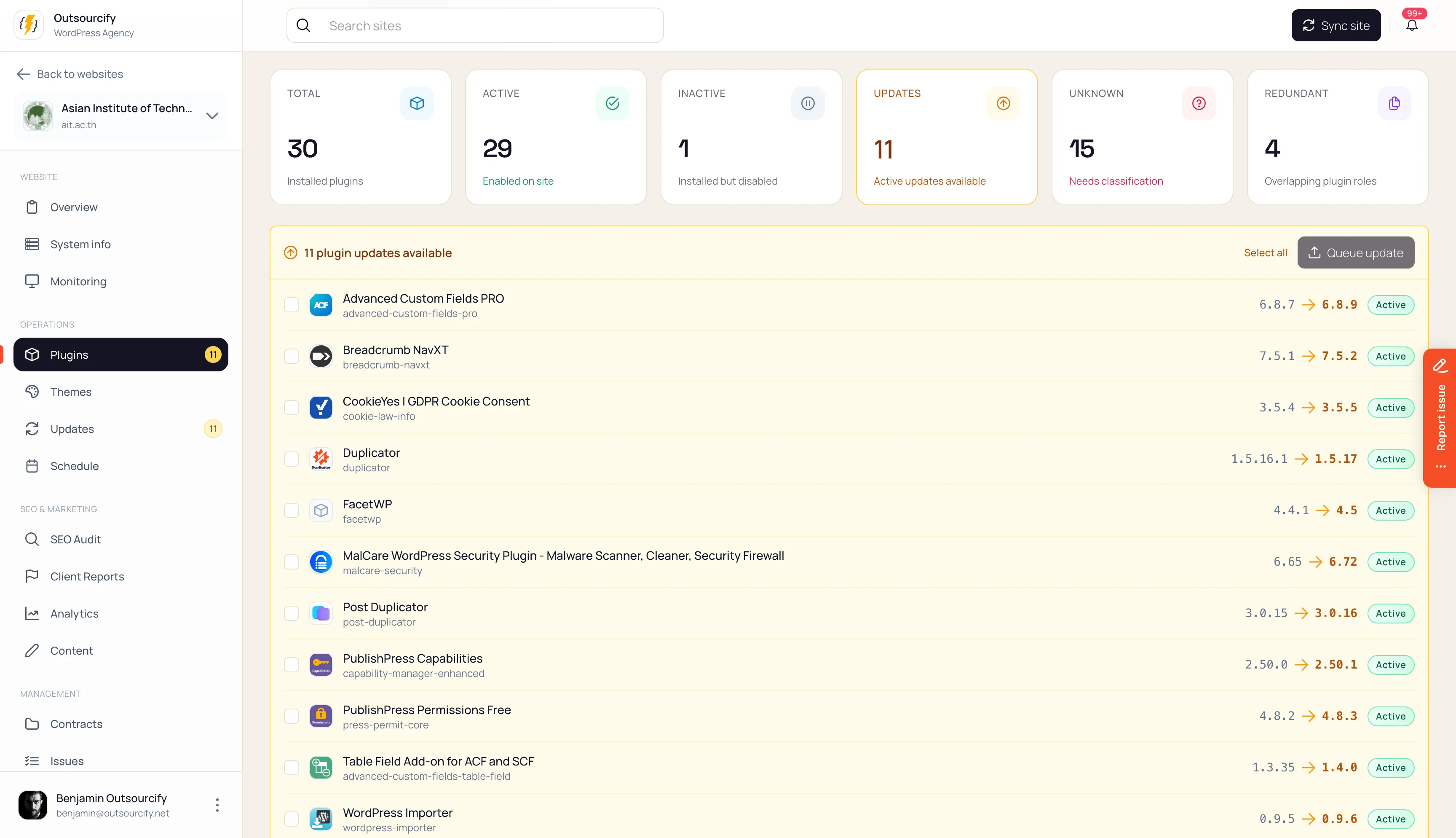
WordPress sends snapshots: core, PHP, plugins, themes, users, content types, builders, health, SSL. Unchanged payloads are skipped; history is kept.
Static sites learn from GitHub: framework, branch, last commit, deploy state, drift against production. Preview screenshots are captured so the portfolio looks like the fleet, not a URL list.
Read the fiche
This is the daily move. Open the site, not wp-admin. In a few seconds you have type, stack, watch-zone, contract, health. AI drafts the prose; your override always wins.
Act from the desk
WordPress: inventory, hygiene, updates, scheduled operations, one-click admin, cache and maintenance actions. The intended update path is staging, screenshots, then production.
Static: sync status, rebuild/cache awareness where the host allows, the same tasks and hours as any other site. Nothing mutating runs as a free-form prompt. Actions are typed, permissioned, and logged.
Put it on the contract
Work is a task against a package. Hours debit on success. The retainer is visible to the team; in transparent mode it is visible to the client as well.
Show the client
On WordPress, they already have an admin. Maintenance lives there. They request work from the site they pay for. You review it in Orbit.
What does not happen
The boundaries are part of the design, not a settings page you have to find.
- AI does not execute
- Inactive plugins do not count as “updates”
- Failed work does not burn hours
- Clients do not get a button that changes production
- Static sites do not get a fake wp-admin